
Blog · 5 min read ·
AI Agents vs Chatbots: What Is the Difference?
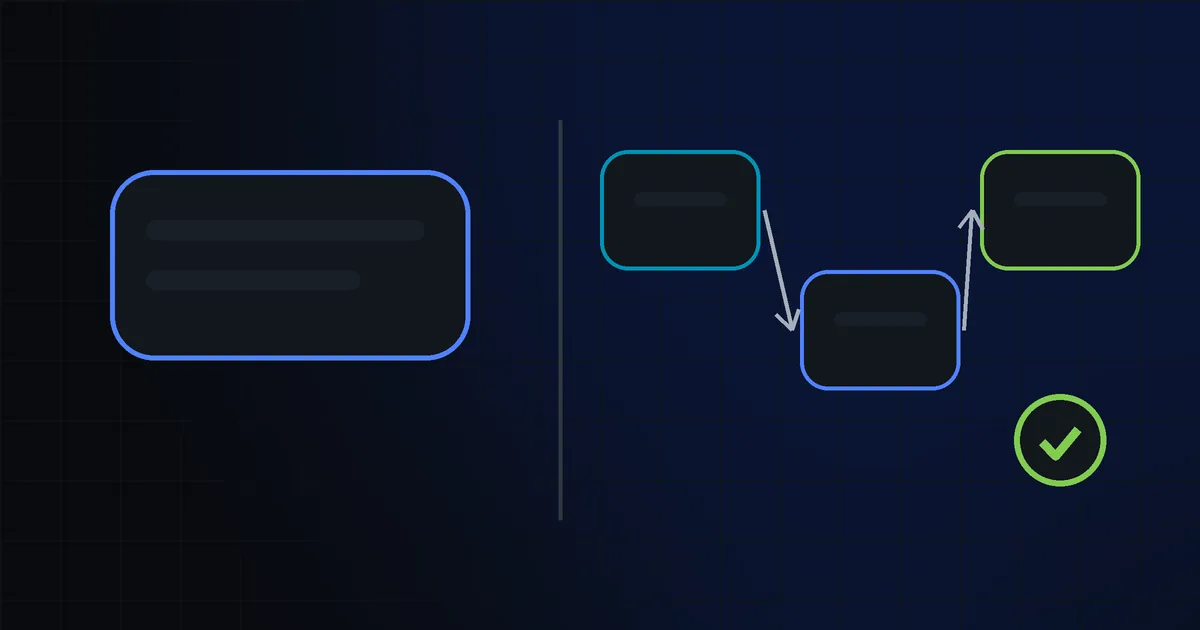
Direct answer: A chatbot answers messages. An AI agent also takes actions in your tools, following a workflow you define. Anthropic puts it this way: in workflows, LLMs and tools follow predefined code paths, while in agents the LLM directs its own process and tool use.
What actually changes
A chatbot is a conversation layer. It can answer questions from a knowledge base, ask for an order number or pass a visitor to a person. It waits for input, replies and stops.
An agent can act. It can read an incoming email, check your rules, look up a customer record, draft a reply and wait for your approval. It is not a chattier chatbot. It is a system with a small, controlled amount of freedom.
The definitions come from Anthropic's article Building effective agents. In practice, the line is control. A workflow follows a map. An agent chooses its steps inside a boundary you set.
The tool is the important part. A chatbot talks. An agent can also check a database, update a sheet or move a task to another system. It only does what you allow, but it decides the order and details within that permission.
Chatbot, fixed workflow or agent
| System | What it does | When it is enough | Main risk |
|---|---|---|---|
| Chatbot | Answers questions, collects form fields, routes conversations | FAQ support, lead capture, simple customer service | Confident but wrong answers outside its script |
| Fixed workflow | Follows predefined code paths, sometimes with an LLM step | Repetitive tasks with clear rules, like sorting emails | Breaks when the input changes shape |
| Agent | Directs its own process and tool use inside a defined workflow | Multi-step tasks that need lookup, drafting and small decisions | An unwanted action if rules or approval steps are missing |
Already have a chatbot or an automation and unsure whether it works? An audit report can show where it falls short, using passive, permitted checks.
Where an agent makes sense for a small business
An agent works best when one task has a clear goal, repeated inputs and a safe last step. Four examples:
- Email triage. The agent reads incoming mail, sorts it into customer, supplier or internal, and drafts a reply for a person to approve.
- Report drafts. It pulls numbers from a spreadsheet, summarises the week and writes a draft you edit.
- FAQ reply drafts. A support message arrives, the agent searches your knowledge base and proposes an answer for a team member.
- Content drafts. It turns a short product note into a draft post or product description for review.
These are examples, not client stories. A hypothetical online shop might start with email triage, and a small consultancy with report drafts. Either way, start with one workflow, not an automated company. Our AI page explains how we plan this.
Limits
An agent can be wrong. It can misread an ambiguous email, pick the wrong row or write a reply that sounds right but misses the context. So every agent we build has a human approval step before a final action.
We do not promise outcomes. A well-scoped agent reduces manual work, but someone still has to check it. That is the right control for a small business, not a flaw.
Sensitive data follows a stricter rule: we handle personal or sensitive data only under a written data-processing agreement. If you are unsure about privacy or legal risk, ask a lawyer. We do not give legal advice.
How we scope an agent
We start with one workflow. We write the instructions and rules, test them on your sample data, add a human approval step and hand it over. How we work describes the steps.
| Tier | Price | Delivery | Scope |
|---|---|---|---|
| S | $1,500 | 7 business days | 1 workflow, up to 3 steps, 1 integration, human approval step, 1-hour handover |
| M | $2,900 | 12 business days | Up to 8 steps, up to 3 integrations, monitoring panel and alerts |
| L | $5,500 | 20 business days | 2 workflows, up to 6 integrations in total, 2-hour handover |
Prices exclude VAT. An extra workflow is $1,400, an extra integration $250 and an extra hour $90.
We start small on purpose. A first workflow shows you whether the agent is useful before you pay for more steps.
Running costs
Setup is not the whole cost. The model and tool providers charge usage fees, and you pay those. At setup we give you a monthly estimate in writing, so you know the likely range before launch.
Usage depends on volume, message length and how many tools the agent calls. If your volume rises, so does the bill. Connected tools such as email or a CRM may have their own fees too.
When monthly management helps
Once an agent is live, the process around it keeps changing. A supplier changes, a product line grows or a new integration sends different data. Monthly management covers monitoring, small fixes and rule updates:
- $290 a month: 1 workflow
- $590 a month: 3 workflows
- $1,190 a month: 6 or more workflows
It is optional. Some clients prefer to run the first agent themselves after handover.
FAQ
How is an AI agent different from a chatbot?
An agent can plan, use tools and take actions inside a defined workflow. A chatbot mostly answers questions or collects basic information.
Chatbot or agent for my business?
A chatbot if you mainly answer common questions or collect simple form fields. An agent if the job has several steps, needs data lookups or involves drafting across tools.
Can an agent work without human review?
Technically yes, but we do not recommend it for small business workflows. Our agents include a human approval step before final actions, because AI output can be wrong.
How much does an agent cost?
Setup starts at $1,500 for one workflow with up to three steps and one integration. Larger scopes are $2,900 and $5,500, excl. VAT. Model and tool usage fees are separate.
Can an agent handle sensitive data?
Only under a written data-processing agreement. If the legal position is unclear, ask a lawyer.